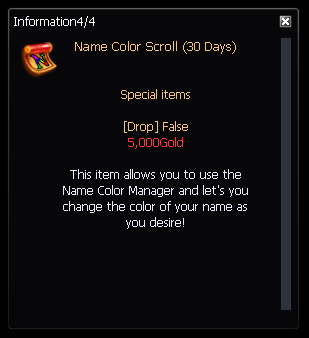
# Name Color Manager
**Using the Name Color Manager** After you've activated a Name Color Scroll, you can use the Name Color Manager to change your display name color. Here's how:
* Access Name Color Manager: "N" logo 
* Choose Color: In the Name Color Manager, you will see a wide range of colors to choose from,
* Select the color you want for your display name,
* Apply Changes: After selecting the desired color, click the "Set" or "Remove" button to update your display name with the chosen color,
* Enjoy Your Custom Name Color: Your display name will now appear with the selected color in the game, allowing you to stand out and express your style
{% embed url="" %}